Loading Dashboard...
Dashboard overview
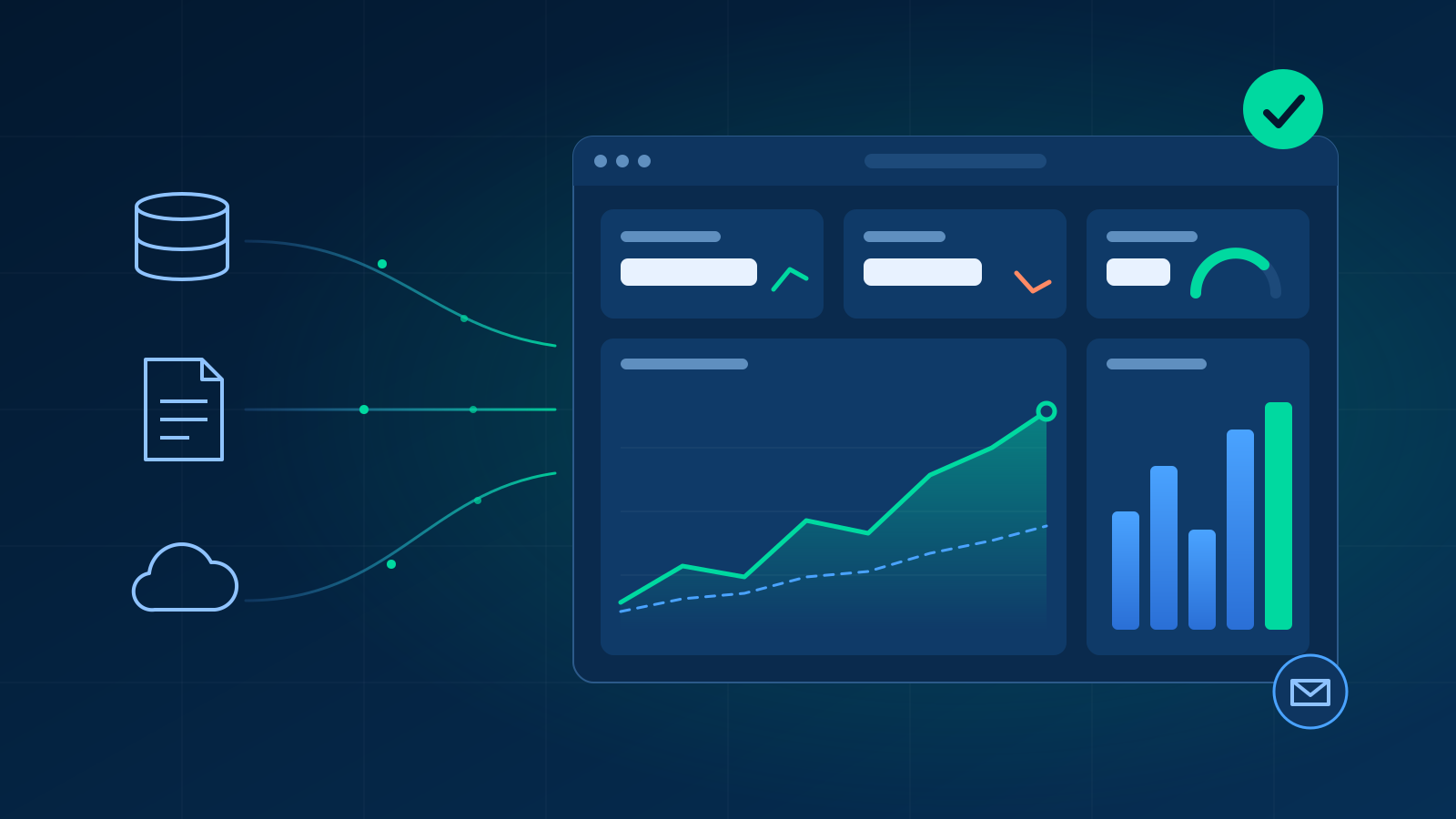
Schedule sends automatic updates. Present opens a clean dashboard for sharing.
Filters update the data shown; save a view to return to this selection.
No widgets on this dashboard
Add KPI cards or chart panels to start visualizing your data.
You have no dashboards yet
Dashboards you can view will appear here once an administrator assigns them to you.
Settings
Settings
Oracle Fusion BIP SOAP Sync
Trigger or schedule batch exports of data reports from Oracle BI Publisher.
| Report Name | Target Table | Status | Last Synced | Records | Schedule | Action |
|---|
Sync Trace Log
View the latest sync log output and execution details.
Dynamic Excel Data Import
Upload Excel sheets to dynamically generate tables. The first row will be automatically parsed to create SQL column headers.
Status Title
Status details
Custom Tables Manager
Manage dynamically imported user tables currently stored in the database.
| Table Name | Records | Action |
|---|---|---|
| No user tables found. | ||
System Audit
Sync health, slow queries, and usage -- read-only observability widgets, editable like any other widget.
Operator status
PDF availability shows what the web application process could import, not a proven render. Without WeasyPrint, ReportLab is used.
Delivery counts are current unresolved outcomes for runs started in the last 24 hours (application timezone clock), not historical events; a successful retry lowers them.
To add optional features, follow the guide shipped with the application at deploy/OPTIONAL_FEATURES.md in the installation folder on the server.
System Audit dashboard not found.
Data Models
Register joined datasets with dimensions and measures that widget authors can build from without writing SQL.
No data models yet
Create a data model to register tables, joins, dimensions, and measures that widget authors can pick from visually.
Could not load data models.
| Name | Status | Fact Tables | Relationships | Fields | Action |
|---|
Source Tables
Actual
Dimensions
Targets
Relationships
Sample Rows
Materialized Queries
Run a saved SQL query on a schedule and materialize its result into a table, so slow multi-table queries can back a dashboard widget as a cheap SELECT. Build widgets against the target table as Custom SQL.
| Name | Target Table | Frequency | Status | Actions |
|---|
Sources
Import the budget with Settings → Import Excel (columns period_name, account, seg_…, amount), then choose the table here.
Fiscal periods
16 periods per year: 12 months plus an adjustment period after each quarter. Names must match the trial balance's period_name exactly.
Column sets
A stored set replaces the built-in set with the same code; deleting it brings the built-in back. A formula may only use columns to its left.
Data Sources
Register a database or API once and reuse it across reports and data models. Sources sync into local tables on a schedule; a SQL source can additionally be allowed to answer dashboard queries live, with results cached.
| Name | Type | Target | Mode | Status | Actions |
|---|
Branding
The name shown across the app -- the login screen, the browser tab, the top bar, and exported reports. The Arabic name is shown while the interface is in Arabic; blank falls back to the English one.
Icon / favicon
Upload an SVG to replace the browser tab icon. It's used as-is, at any size, so keep it simple.

PowerPoint template
Used for PowerPoint group exports: the first slide is the cover (the export name and date are added to it), the last slide closes the deck, and the middle slide's design is used for every dashboard. Pictures are compressed on upload.
Time zone
Every time in the application is shown in this zone, and sync start times, delivery schedules and date variables like p_today run on its clock.
Changing it moves existing schedules: a sync set to run at 02:00 runs at 02:00 in the new zone.
Set by FUSIONFLOW_TIMEZONE on the server; change it there.
Currency
Currencies an author can choose from in the widget editor. The Arabic symbol is shown while the interface is in Arabic; blank falls back to the English one.
Used by every widget that has not picked one of its own.
| Code | English symbol | Arabic symbol | Example | Actions |
|---|
Email (SMTP)
Outgoing mail server used for scheduled dashboard deliveries.
Port 465 uses implicit SSL/TLS. Other ports use plain SMTP with the STARTTLS option below.
Health alerts
Email every admin when a sync fails, a report goes stale, queries slow down, or a scheduled delivery fails. Alerts resolve on their own once the condition clears.
Alerts are always recorded and shown on the System Audit dashboard; this only controls email.
New alerts raised inside this window ride along in the next email rather than sending their own.
One slow query is noise. Alert on the rate, not the one-off.
Send a test email
Sends to your delivery email using the saved settings - save any changes first.
Multi-Engine Database Migration
Migrate database schema and transfer all records between SQLite, MySQL, or PostgreSQL engines cleanly.
Source Connection Details
Target Connection Details
Migration Console Logs
Tails real-time schema replication and table insertion counts.
BIP Reports
Manage reports synced from Oracle Fusion and their target tables.
| Name | Path | Target Table | Actions |
|---|
Saved SQL Statements
Create and save reusable SQL statements to construct custom charts or KPI cards.
| Name | Description | SQL Preview | Actions |
|---|
Global Variables
Values that follow the clock, usable in widget SQL as :p_name and in titles as {p_name}. Built-in variables always exist; the ones you add here override or extend them.
Available in an expression: today, now, the parts .year .month .day .quarter (and .hour .minute .second on now), the operators + - * // %, and the functions fmt, add_days, add_months.
| Name | Expression | Current Value | Description | Actions |
|---|
System User Accounts
Manage logins, select roles, and allocate dashboard assignments.
| Username | Role | Created At | Action |
|---|
Dashboard Groups
Groups appear as buttons next to the logo and scope the Dashboards tree to just that group.
| Name | Name (Arabic) | Color | Actions |
|---|
Licences
Manage customer licences on this vendor server.
No licences yet.
| Key | Customer | Seats | Status | Expiry | Conflicts | Actions |
|---|
Release this licence?
Release frees every seat and clears replay receipts; it does NOT un-revoke. Stop unwanted copies first.
Create licence
Offline response
Paste a customer's challenge JSON and mint a signed offline response.
Reissuance is a vendor action: each response carries fresh contract-capped deadlines.
Exceptions
KPI alert breaches across your dashboards. Acknowledge an alert once you've seen it -- it clears automatically once the value recovers.